How to Write AI Prompts for Anime Wallpapers — Pro Tips & Examples
Write better anime wallpaper prompts with a clear framework, practical modifiers, and tested examples for cleaner composition and stronger phone readability.

Founder & Lead Designer at DreamPixel Studio
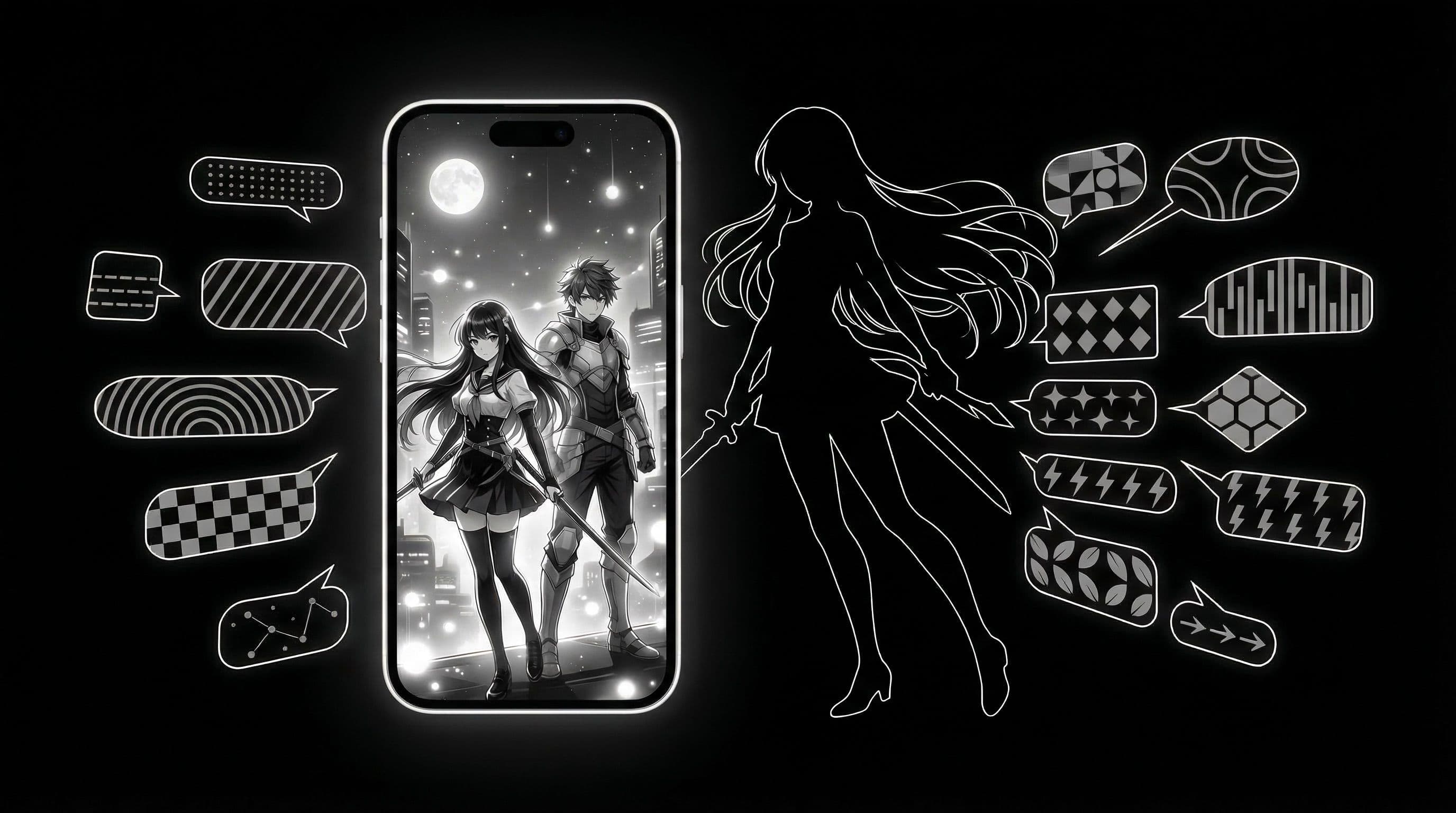
Why Most Anime Wallpaper Prompts Fail on Phones
Here is the pattern you see constantly: someone writes a prompt like "beautiful anime girl in a magical forest with glowing butterflies and cherry blossoms" and gets a gorgeous image they cannot actually use. Why? Because the entire frame is packed with detail. Every square inch has something competing for attention — butterflies, petals, light beams, foliage, character detail — and when you set this as your wallpaper, your app icons become invisible noise on top of noise.
The best anime wallpaper prompts are not about describing the most beautiful scene imaginable. They are about describing a beautiful scene with deliberate empty zones where your phone's interface needs to live. That single constraint — planning for usability — is what separates professional-quality phone wallpapers from pretty pictures that do not work in practice.
The good news is that learning to write usable anime prompts is not hard. You just need a structured approach that accounts for phone layout from the start rather than trying to fix composition problems after generation.
The 6-Part Prompt Formula for Anime Wallpapers
Every effective anime wallpaper prompt includes these six elements in order: 1) Subject — who or what is the main focus ("samurai ronin," "anime mage girl," "mecha pilot"). 2) Scene context — where the subject exists ("rainy neon alley," "mountain shrine at dusk," "floating sky island"). 3) Lighting — the primary light source and mood ("cinematic blue-red rim lighting," "warm golden-hour backlight," "cool moonlit ambiance").
4) Color palette — specific color constraints ("dark navy and crimson palette," "muted earth tones with one amber accent," "deep purple and teal"). 5) Composition — where visual elements should and should not sit ("icon-safe center zone," "subject in lower third," "clean negative space in upper half"). 6) Output format — technical specs ("vertical 9:19.5," "phone wallpaper," "ultra detailed").
Putting it all together: "samurai ronin, rainy neon alley at night, cinematic blue-red rim lighting, dark navy and crimson palette, icon-safe center zone with subject in lower third, vertical phone wallpaper 9:19.5, ultra detailed anime illustration, no text." This single sentence covers all six elements and will produce a usable wallpaper on the first attempt more often than not.
Pro Tip: Write your composition element (part 5) before your subject (part 1) when you are designing for home screens. Starting with "icon-safe center zone" forces you to think about usability first and creative details second.
Five Specific Anime Prompt Examples You Can Copy
These are tested and refined — copy them directly: 1) "moonlit shrine anime scene, ancient stone torii gate, soft fog rolling through, deep blacks and violet highlights, clean upper area for clock, vertical phone wallpaper 9:19.5, high detail, no text." 2) "mecha pilot close-up portrait, helmet visor reflecting red warning lights, side framing with subject on right third, home-screen safe negative space on left, dramatic anime illustration, vertical 9:19.5."
3) "fantasy anime mage silhouette on cliff edge, glowing arcane particles rising upward, deep dark sky gradient from purple to black, subject in lower center, open sky above for icons, vertical phone wallpaper, no text, no watermark." 4) "urban anime rooftop sunset, warm-orange and indigo sky blend, character sitting on ledge viewed from behind, low visual noise, calm palette, vertical 9:19.5, cinematic." 5) "minimal swordsman profile, monochrome ink wash style with one red accent, icon-safe negative space covering 60 percent of frame, vertical phone wallpaper, high detail."
Each prompt explicitly mentions where visual space should remain open. That is the pattern you should replicate in every anime wallpaper prompt you write.
How to Diagnose and Fix a Weak Anime Prompt
If your output looks cluttered, the fix is almost always the same: reduce the number of subjects to exactly one and add explicit negative-space instructions. "Clean negative space in upper half" or "minimal foreground detail" immediately simplifies cluttered outputs.
If contrast is weak and the image looks flat, specify exactly one primary light source and request "deep shadows." Two light sources create visual confusion in vertical wallpapers. One strong directional light creates the depth and drama that makes anime wallpapers look premium.
If colors feel muddy or generic, replace vague color words ("colorful," "vibrant") with specific palettes: "deep navy and crimson," "muted sage green and warm ivory," "electric purple and true black." Specific color language gives the AI concrete targets instead of asking it to improvise. And always change only one element per iteration — if you change subject, lighting, and colors simultaneously, you cannot identify what fixed the problem.
Save Prompt Winners as Wallpaper Sets in DreamPixel
When a prompt consistently produces great results, it becomes a template. Save the prompt alongside its best outputs in a DreamPixel folder tagged by mood and color scheme. Over time, you build a personal prompt library that is far more valuable than any generic prompt collection online — because every entry is proven to work for your specific phone and style.
Keep only your top-ranked outputs in active rotation. Archive everything else. A tight collection of 10-15 genuinely great anime wallpapers that all work on your phone will make you happier than 200 mediocre downloads. Quality curation is the ultimate prompt mastery skill.
Character Framing Patterns That Improve Readability
Anime characters can dominate a wallpaper and make it unusable if they are positioned poorly. Three framing patterns consistently produce readable results. Pattern 1: Side Profile — character facing left or right in a dramatic profile shot, positioned in the left or right third of the frame. The opposite two-thirds become natural icon space. Pattern 2: Lower-Third Action Pose — character in dynamic pose occupying the bottom 30-40 percent of the frame, with atmospheric sky or gradient filling the upper area for clock and icons.
Pattern 3: Silhouette Center with Calm Top Zone — character silhouette centered with dramatic backlighting, but the top 25 percent of the frame is calm sky, gradient, or atmospheric blur for icon readability. What to AVOID: full-frame action clutter where the character covers the entire wallpaper with energy effects, weapons, and motion lines. These look amazing as posters but make terrible home screen wallpapers because every inch is visually complex. Include your desired framing pattern in the AI prompt — "character in side profile, left third of frame" — so the generator knows exactly where to place the subject.
Negative Prompt Checklist for Anime Outputs
Negative prompts are just as important as positive prompts for anime wallpaper quality. Start with this essential checklist: "no logo, no text, no watermark" (prevents AI-generated fake text or watermarks), "no extra limbs, no deformed hands, no extra fingers" (the most common anime generation artifacts), "no blurry face, no cross-eyed" (ensures sharp, attractive character rendering), "no noisy background particles, no lens flare" (keeps backgrounds clean for icon readability).
Advanced negative list organized by style: Minimal anime style — add "no complex patterns, no busy background details, no multiple characters." Cinematic anime style — add "no flat colors, no simple gradients, no chibi proportions." Fantasy anime style — add "no modern elements, no technology, no urban setting." Store these as separate text files and paste the relevant one at generation time. Curated negative lists raise your baseline quality across every generation session — they are the quiet workhorse of prompt engineering.
Related Articles
How to Create Stunning Phone Wallpapers with AI — Complete Beginner Guide 2026
Learn a complete beginner workflow to create stunning AI phone wallpapers in 2026, from prompt writing to 4K export and clean icon-ready setup.
How to Use ChatGPT 4o to Generate Phone Wallpapers Step by Step
Follow a clear step-by-step ChatGPT 4o workflow to create, refine, and export phone wallpapers that look premium behind icons and widgets.
50 Ready-to-Use AI Wallpaper Prompts for Every Aesthetic Style
Use 50 ready-to-use AI wallpaper prompts with exact copy-paste lines across AMOLED, anime, minimal, nature, cyberpunk, and retro styles for better phone results.
FAQ
How long should an anime wallpaper prompt be?
One to two dense sentences covering all six formula elements, plus a quality suffix ("no text, no watermark, high detail"). Longer prompts are fine if every word serves a purpose. Delete any word that does not directly influence the output — padding and flowery language confuse AI models rather than helping them.
Do I need negative prompts for anime wallpapers?
Strongly recommended. Common negative prompt terms for anime wallpapers: "no text, no watermark, no logo, no border, no frame, no blurry, no low quality, no multiple characters, no cluttered background." These prevent the most frequent failure modes.
What aspect ratio works best for phone output?
Use the exact vertical ratio of your device. Most modern phones are close to 9:19.5 or 9:20. Specifying this in the prompt dramatically improves vertical framing — without it, AI models tend to generate square or landscape compositions that require heavy cropping.
How many prompt revisions should I run per concept?
Three to five focused revisions per concept, changing one variable each time. If a concept is not working after five revisions, abandon it and start with a new subject or composition rather than endlessly tweaking a fundamentally flawed prompt.
Should I write separate prompts for lock and home screens?
Yes. Lock screen prompts can include "dramatic central focal point" for impact, while home screen prompts need "icon-safe center zone" for readability. Using one prompt for both screens almost always produces a wallpaper that works well for one and poorly for the other.
Download free wallpapers at DreamPixel
Back to all articles