Best Solo Leveling (Sung Jin-woo) Wallpapers for Phone — 4K AMOLED
Build a dark premium phone aesthetic with Solo Leveling wallpapers 4K AMOLED featuring Sung Jin-woo shadow army scenes and high-contrast edits.
Founder & Lead Designer at DreamPixel Studio
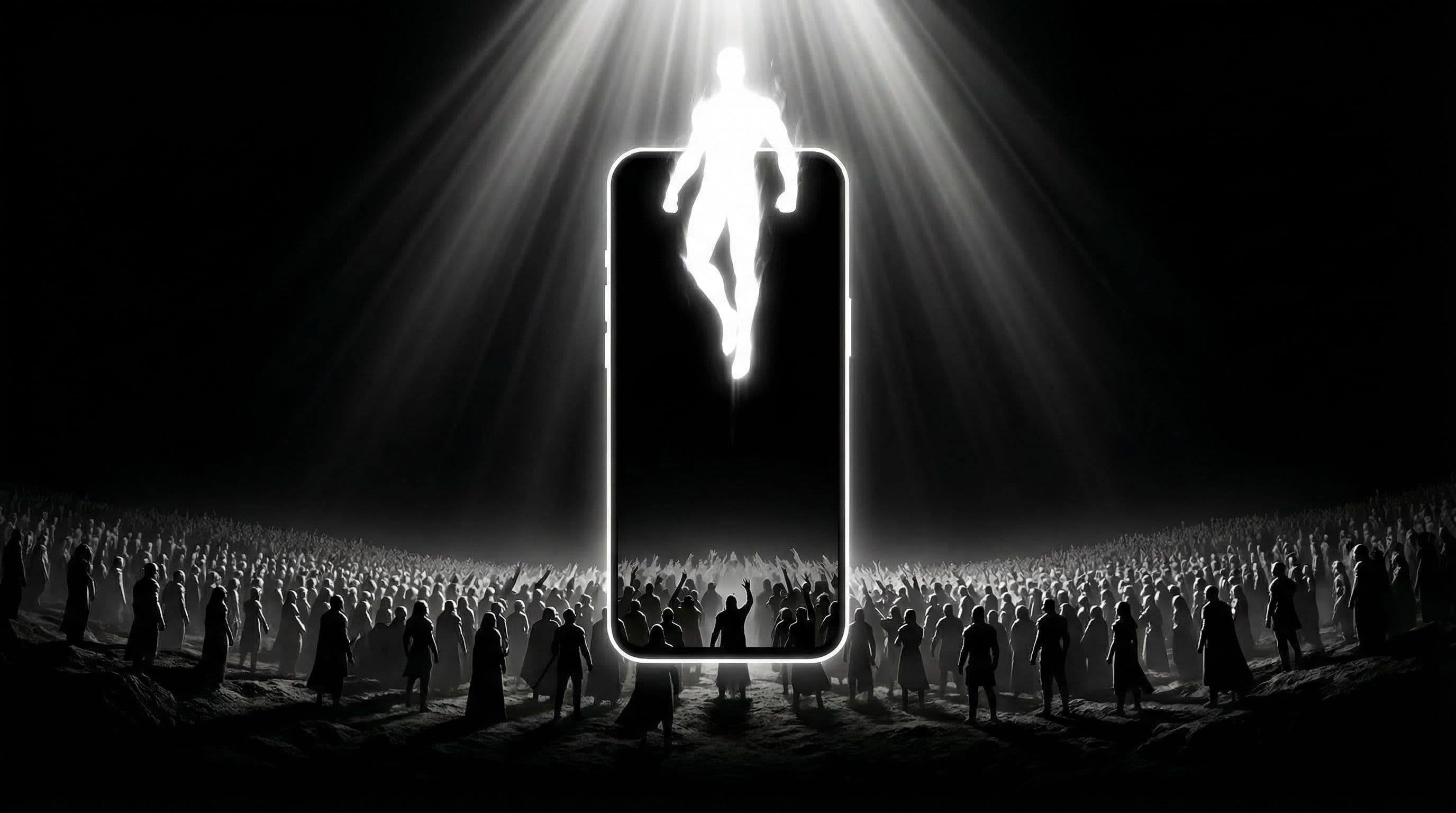
Why Solo Leveling Wallpapers 4K AMOLED Look So Good
Solo Leveling art was practically designed for AMOLED phone screens. The manhwa's signature visual identity — deep shadows, electric blue-purple auras, and a single dominant character framed against near-total darkness — plays perfectly into what AMOLED technology does best: rendering true blacks while making bright accents look almost luminescent.
When you use a Solo Leveling wallpapers 4K AMOLED setup, those black pixels are literally turned off on your display. That means better battery life on top of the visual upgrade. A well-chosen Jin-woo wallpaper can look like your phone screen is glowing from within, especially in a dimly lit room.
The 4K detail matters here because Sung Jin-woo's shadow soldiers, armor textures, and energy effects are intricate. On a lower resolution file, those fine lines blur into mush once the image is stretched across a modern 6.7-inch panel. With a proper 2160x3840 source, every edge stays crisp.
Pro Tip: Check your phone's actual display resolution before downloading. A Samsung Galaxy S24 Ultra runs at 3120x1440, while an iPhone 15 Pro Max runs at 2796x1290. Download wallpapers at or above these resolutions for the cleanest results.
Best Sung Jin-woo Compositions for Lock Screen
The lock screen is where you can go fully dramatic with your Jin-woo wallpaper. The best compositions place Jin-woo either centered low in the frame or positioned to one side with his aura expanding into the empty space. That empty space is critical — it is where your clock, date, and notification previews sit.
Color palette matters more than you might think. Blue-purple aura scenes look stunning at night and under indoor lighting, but they can wash out in direct sunlight. If you spend a lot of time outdoors, try monochrome or grayscale Jin-woo compositions that maintain strong contrast regardless of ambient light. For evening-only use, go wild with the neon purple glow.
One composition that works incredibly well: Jin-woo standing with his back to the viewer, shadow soldiers emerging from the darkness around him. The subject is instantly recognizable, the negative space above his head accommodates the clock perfectly, and the shadow army details create visual texture in the lower portions without interfering with any UI elements.
5 Real Setup Examples You Can Try Today
Example 1: "Shadow Monarch Focus" — Jin-woo in full Shadow Monarch armor against a pure black background with electric blue edge lighting. Use this on lock screen with a minimal clock widget. The blue rim light is just enough to separate the character from the void without creating readability issues.
Example 2: "Dungeon Gate Glow" — A centered dungeon gate portal with violet and magenta light pouring through the opening. Jin-woo silhouetted in front. This works on both lock and home because the light source naturally creates a gradient from bright center to dark edges where your icons live.
Example 3: "Army Summon Minimal" — A single bright focal point (Jin-woo's eyes or a raised hand with energy) surrounded by mostly dark negative space. Example 4: "Monarch Throne" — Jin-woo seated with shadow tendrils radiating outward in a symmetrical composition. Example 5: "Arise Scene" — The iconic hand gesture with deep blue energy tendrils, positioned in the lower half of the frame.
Pro Tip: Name your saved wallpapers with these preset names. When it is time to switch, you can search by name instead of scrolling through thumbnails. It sounds small, but it makes weekly rotation genuinely effortless.
Step-by-Step: Test and Optimize Your AMOLED Setup
Step 1: Set the wallpaper and immediately test it at 30 percent screen brightness — this is how your phone looks on battery saver mode. If the character disappears into the shadows, the image is too dark. Step 2: Test at full brightness under a desk lamp. If icon labels vanish against bright aura zones, the composition needs more edge darkness.
Step 3: Open your most icon-dense home screen page and check every single app label. Pay special attention to folders and badges — those small UI elements fail first on busy wallpapers. Step 4: If widgets overlap with key character details, try shifting your widget layout before abandoning the wallpaper. Often moving a clock widget up one row solves everything.
Step 5: Live with your choice for at least 48 hours before switching. First-hour enthusiasm often fades and usability issues only surface during real daily use — like trying to check the time while walking, or reading a notification banner over a bright aura zone.
Download Free Solo Leveling Wallpapers at DreamPixel
DreamPixel makes building a Solo Leveling collection straightforward. You can create separate folders for lock and home variants, tag images by color mood (blue aura, purple glow, monochrome), and rotate between them without hunting through your camera roll every time.
Start with 5 wallpapers this week: two dramatic lock screens, two clean home screens, and one all-purpose option that works acceptably on both. By the end of the week, you will know which style you actually prefer for daily use versus which one just looked cool in a thumbnail.
A curated collection of Solo Leveling wallpapers 4K AMOLED beats a hundred random downloads every time. Quality over quantity is the difference between a phone that looks intentional and one that looks like a fan art dump.
Best Color Pairings for Solo Leveling AMOLED Setups
The strongest Solo Leveling AMOLED setups use blue-black and violet-black color pairings because these are Sung Jin-woo's signature identity colors. Blue sovereign glow against pure black backgrounds creates a high-impact look that also saves battery on OLED screens — the black pixels are literally turned off. Violet shadow army accents add depth without brightening the overall composition.
What to avoid: full-frame neon effects that flood the entire wallpaper with bright color. These look exciting for the first hour but cause eye fatigue by evening and make icon labels hard to read. Instead, keep the glow concentrated — one glowing eye, one energy trail, one luminous weapon edge against vast darkness. Controlled glow creates stronger visual impact than maximum glow because contrast is what your eye actually responds to.
Lock Screen vs Home Screen Cropping Strategy
Solo Leveling wallpapers work best with a dedicated lock-home pair strategy. For lock screen: use the full cinematic silhouette, the dramatic wide shot, or the intense close-up where visual impact matters most. This is where Sung Jin-woo's shadow army, glowing eyes, and sovereign energy effects shine without readability concerns.
For home screen: choose a crop from the same wallpaper (or a companion variant) that has a calmer center area. The shadow army should fade toward the edges, leaving the center third with subtle dark texture or gradient where your app icons and search bar sit. Test both crops together by locking and unlocking your phone — the transition should feel like two chapters of the same story, not two completely different wallpapers.
Example Folder Names for Faster Curation
Organization makes Daily-use wallpaper management effortless. Create three folders: "Shadow Monarch" (Sung Jin-woo solo scenes with blue-black sovereign energy), "Dungeon Gates" (environmental shots with atmospheric dungeon portals and mysterious glow), and "Army Summon" (shadow army scenes with multiple soldiers and violet accents). Keep 3-4 tested wallpapers per folder maximum.
This structure lets you switch by mood rather than endlessly scrolling through hundreds of images. Feeling powerful? Shadow Monarch. Feeling atmospheric? Dungeon Gates. Feeling dramatic? Army Summon. Archive everything that does not fit neatly into these categories — if a wallpaper does not have a clear emotional identity, it weakens your overall collection.
Related Articles
Best Demon Slayer Wallpapers 2026 — Tanjiro, Nezuko & Dark AMOLED
Discover Demon Slayer wallpapers 2026 with Tanjiro and Nezuko picks designed for dark AMOLED setups and cleaner icon visibility.
Best Naruto & Itachi Uchiha Aesthetic Wallpapers for 4K Phones
Get the best Naruto and Itachi aesthetic wallpapers in 4K with practical tips for creating a clean and dramatic lock/home setup.
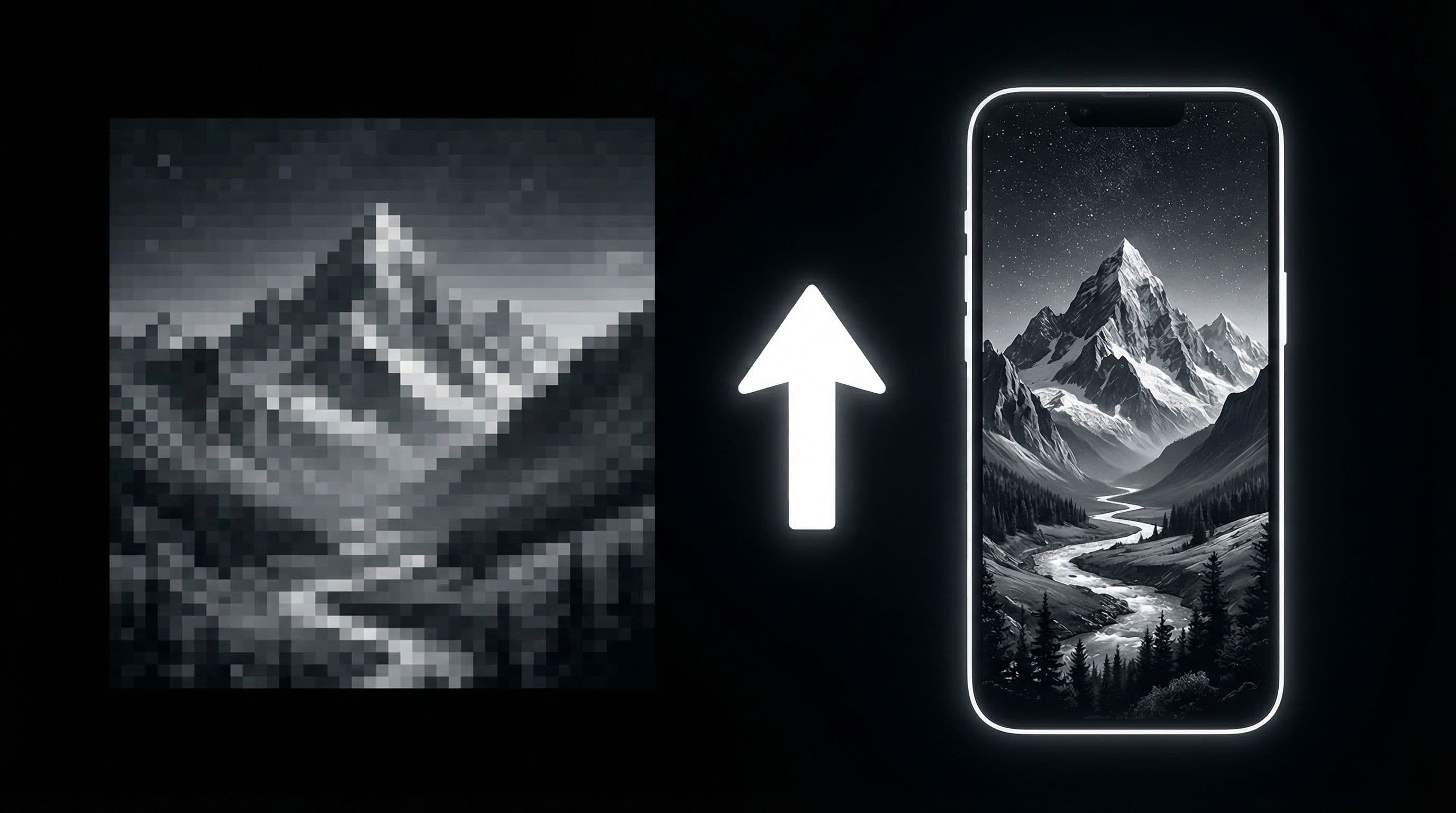
How to Upscale AI Wallpapers to 4K Quality for Free
Learn a free upscaling workflow to convert AI wallpapers into clean 4K phone-ready files with better detail and less artifact noise.
FAQ
Are Solo Leveling wallpapers better in 4K even on non-4K phones?
Yes, and the reason is not about pixel count — it is about crop flexibility. A 4K source file gives you room to shift the framing slightly without losing sharpness. Even on a 1080p phone, the downscaled version of a 4K image typically looks cleaner than a native 1080p source because the extra data helps smooth out gradients and fine line work.
What color palette works best for Sung Jin-woo wallpapers?
Dark black with blue and purple gradients delivers the sharpest AMOLED contrast. For daytime use or outdoor readability, consider monochrome or desaturated versions where the contrast comes from light-dark values rather than color intensity. If you use blue light filters at night, pick wallpapers with cooler tones that still look balanced under warm screen tint.
How do I avoid icons blending into the wallpaper?
The fastest fix is choosing wallpapers with calm, dark negative space specifically in the center and upper portions of the frame — that is where most icon grids and status bars sit. If you love a wallpaper that is too bright in those zones, try adding a slight dark gradient overlay using any photo editor before setting it. On Samsung, you can also enable icon shadows in home screen settings.
How often should I rotate Solo Leveling wallpapers?
A weekly rotation gives you the best balance between freshness and actually living with your setup. Changing daily sounds fun but means you never really settle into a look. Try a Monday-swap routine: every Monday morning, switch to your next preset. By the end of the month, you will have tested four setups and know exactly which ones work best.
What is the difference between AMOLED and regular wallpapers?
AMOLED-optimized wallpapers use large areas of true black (hex #000000) which allows AMOLED panels to turn those pixels completely off. This creates deeper contrast than any LCD can match and saves battery. Regular wallpapers might use dark gray backgrounds that look similar but force every pixel to stay active, reducing the AMOLED advantage.
Download free wallpapers at DreamPixel
Back to all articles