Best Naruto & Itachi Uchiha Aesthetic Wallpapers for 4K Phones
Get the best Naruto and Itachi aesthetic wallpapers in 4K with practical tips for creating a clean and dramatic lock/home setup.

Founder & Lead Designer at DreamPixel Studio
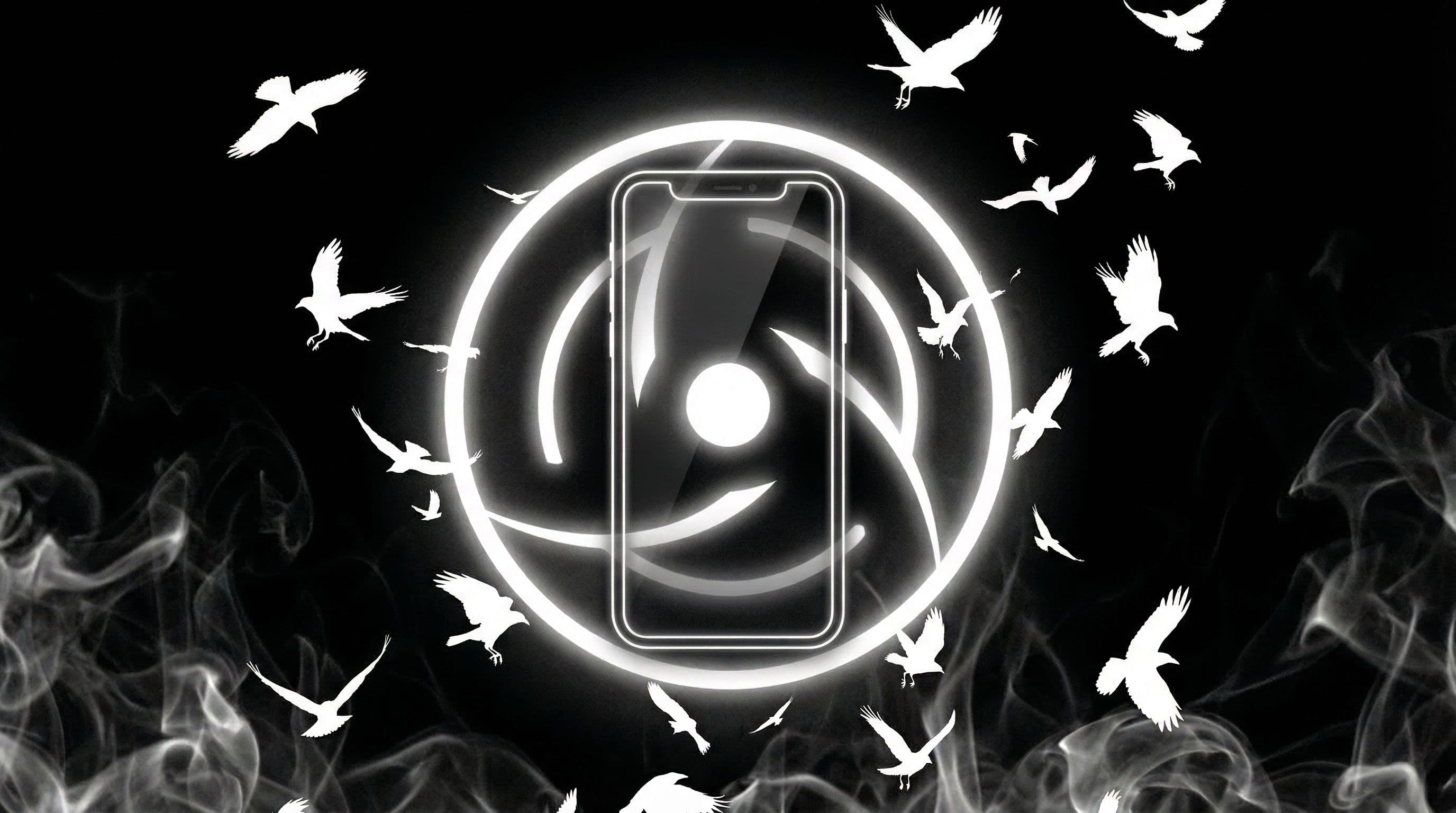
Naruto Itachi Wallpapers 4K: The Best Style Direction
Naruto and Itachi wallpapers represent two fundamentally different visual energies, and that contrast is exactly what makes them effective as a wallpaper pair. Naruto brings warm orange, golden hour light, and explosive energy. Itachi brings cool darkness, crimson precision, and quiet intensity. Together they cover the full aesthetic spectrum.
For 4K phone use, the best approach is having both ready for different moods. Use Naruto's warm energy for daytime setups when you want your phone to feel vibrant, and switch to Itachi's dark aesthetic for evening use when you want calm focus with dramatic flair.
The 4K resolution matters more than usual here because both characters have intricate visual details — Naruto's Sage Mode patterns, Itachi's Sharingan tomoe, Akatsuki cloud textures — that look noticeably sharper at 2160x3840 versus lower resolutions.
Pro Tip: The warm orange vs cool red contrast between Naruto and Itachi creates a natural "day and night" rotation system. Set Naruto wallpapers for morning-to-afternoon and Itachi wallpapers for evening and night mode.
Aesthetic Itachi Themes That Stay Readable
Itachi is one of the most wallpaper-friendly characters in anime. His signature visual elements — the red-black Akatsuki palette, Sharingan glow, moonlight silhouettes, and crow motifs — all naturally produce dark-dominant compositions with selective bright accents. That is the exact formula for readable phone wallpapers.
The best Itachi wallpapers place him as a side-profile silhouette or three-quarter portrait with the Sharingan as the brightest element. Keep the background predominantly black or deep navy, and let the red accents occupy just 10-15 percent of the frame. This restraint makes the difference between "premium dark aesthetic" and "red mess."
Avoid wallpapers with heavy background textures — crow feathers, rain particles, or fire effects filling the entire frame. These look artistic in isolation but reduce icon and notification readability significantly.
Real Examples + Quick Setup Steps
Three ready-to-use theme packs: "Akatsuki Crimson" — Itachi in Akatsuki cloak against pure black, Sharingan glowing red, crows dissolving at the edges. Perfect AMOLED lock screen. "Leaf Village Warm" — Naruto training at sunset, warm amber tones with soft shadow edges. Ideal for daytime home screen.
"Uchiha Night Minimal" — a stripped-down Itachi composition with just eyes and partial face against darkness. Your safest option for icon-heavy home screens because there is virtually zero competing detail. Use lock and home versions from each set for visual harmony.
Setup steps: Choose a 4K source file (minimum 2160x3840). Apply as home screen and check icon label contrast — especially folder names and badge counts. Save by mood folder ("Warm Naruto," "Dark Itachi"). Rotate weekly or tie to phone's day/night mode switch.
Download Free Naruto Itachi Wallpapers at DreamPixel
Start with 5 wallpapers in DreamPixel and use a simple scoring method: after one full day of use, rate each from 1 to 5 on readability and visual impact. Keep only wallpapers scoring 4 or higher on both criteria.
After two weeks, your collection will naturally curate itself into a tight pack of genuinely great Naruto Itachi wallpapers 4K that you actually love using daily. That is worth more than a thousand saved images you never look at twice.
Balancing Warm Naruto Tones with Itachi Dark Tones
Naruto orange highlights can look overpowering when placed right next to dark Itachi sets in a rotation — the visual whiplash is like jumping from a sunny beach to a midnight alley. The fix is tonal normalization: use medium-saturation Naruto scenes (warm but not screaming orange) paired with deep-black Itachi scenes that use controlled red accents rather than full crimson floods.
This creates a rotation where both characters feel distinct but not jarring. Naruto scenes should feel like golden sunset warmth, not traffic cone brightness. Itachi scenes should feel like elegant midnight, not pitch-black void. The contrast between them becomes a feature — warm to cool, light to dark — rather than a visual assault.
Aesthetic Uchiha Setups That Stay Functional
The most common mistake with Itachi wallpapers: placing Sharingan red eye highlights directly behind the clock or notification bar. The bright red creates a visual focal point that competes with your UI text, making both the artwork and the interface look cluttered. Instead, choose Itachi wallpapers where the Sharingan highlights sit in the lower third of the frame, away from the clock and notification zones.
For home screens, simplified Akatsuki motifs work better than full-scene battle art. A single Akatsuki cloud pattern on a dark gradient, an Itachi side-profile silhouette, or a minimalist Sharingan symbol against pure black — these maintain the Uchiha identity without overwhelming your icon grid. Save the detailed battle scenes for lock screens where visual impact is the priority.
3 Curated Presets for 4K Phones
Preset 1: "Leaf Dawn" — soft Naruto tones with golden training ground sunsets, Hokage mountain at golden hour, and warm forest light filtering through trees. These are bright, warm, and optimistic — perfect for daytime and productive moods. Preset 2: "Uchiha Night" — red-black Itachi contrast with Sharingan accents, Akatsuki cloak silhouettes against moonlit clouds, and deep atmospheric darkness. Perfect for evening and cinematic moods.
Preset 3: "Dual Legacy" — a mixed weekly sequence that alternates both characters: Monday-Tuesday Naruto warmth, Wednesday-Thursday transition (neutral Konoha village scene), Friday-Sunday Itachi darkness. This preset uses the contrast between characters as a deliberate aesthetic rhythm rather than random switching. Cycle through each preset for two days and score both readability and mood fit — the preset that scores highest across both metrics becomes your default.
Related Articles
Best Solo Leveling (Sung Jin-woo) Wallpapers for Phone — 4K AMOLED
Build a dark premium phone aesthetic with Solo Leveling wallpapers 4K AMOLED featuring Sung Jin-woo shadow army scenes and high-contrast edits.
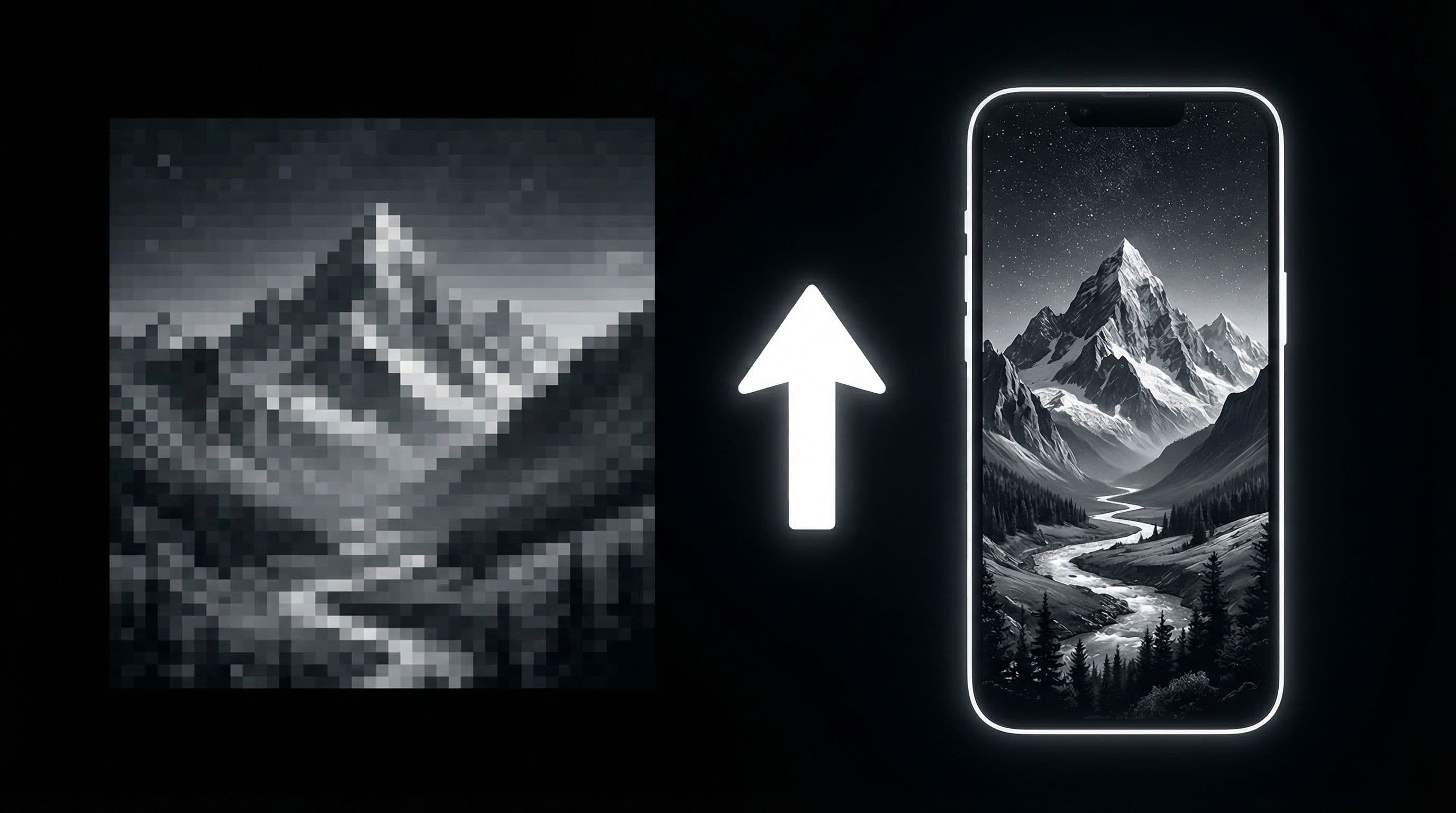
How to Upscale AI Wallpapers to 4K Quality for Free
Learn a free upscaling workflow to convert AI wallpapers into clean 4K phone-ready files with better detail and less artifact noise.
Best Jujutsu Kaisen Wallpapers 2026 — Gojo, Sukuna & Yuji Itadori
Find the best Jujutsu Kaisen wallpapers 2026 with Gojo, Sukuna, and Yuji styles that look sharp on lock screen and home screen setups.
FAQ
Are Naruto Itachi wallpapers better for AMOLED?
Itachi wallpapers are excellent for AMOLED because they use large areas of true black with selective red-crimson highlights. Naruto wallpapers work better on any panel type due to their warmer palette. For the best AMOLED experience, lean toward Itachi compositions with at least 60 percent pure black area.
What is the best aspect ratio for 4K phone wallpapers?
Check your phone's display resolution and match that ratio. Most Android phones use close to 9:19.5 or 9:20, while iPhones vary by model. Download at or above your native resolution and crop to match for the cleanest result.
How many Itachi wallpapers should I keep active?
Keep 3 to 5 that have passed your readability test. More creates decision fatigue that makes you less likely to rotate. Three tested options rotating weekly gives consistent variety without choice paralysis.
Should I use one wallpaper for lock and home?
Using matching variants from the same art family is ideal. Keep the dramatic version for lock screen and a darker, calmer crop for home screen where icons need readability. This creates visual continuity without sacrificing usability.
Can I mix Naruto and Itachi wallpapers in rotation?
Absolutely, but be intentional. Use warm Naruto variants during the day and cool Itachi variants at night. Avoid randomly alternating daily because the extreme color temperature jump can feel jarring. A structured day/night rhythm makes the contrast feel deliberate.
Download free wallpapers at DreamPixel
Back to all articles