Best Demon Slayer Wallpapers 2026 — Tanjiro, Nezuko & Dark AMOLED
Discover Demon Slayer wallpapers 2026 with Tanjiro and Nezuko picks designed for dark AMOLED setups and cleaner icon visibility.

Founder & Lead Designer at DreamPixel Studio
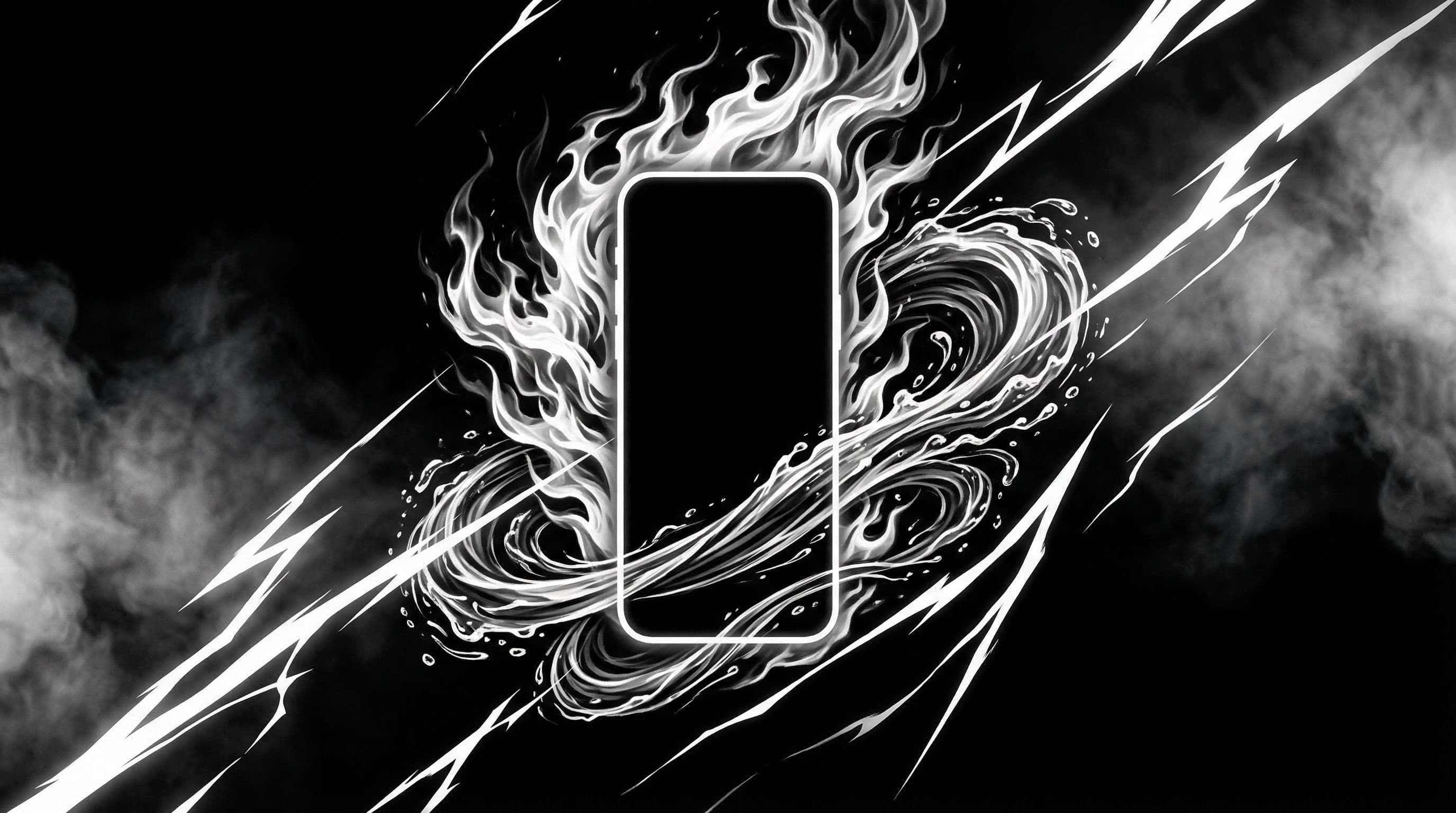
Best Demon Slayer Wallpapers 2026 for Dark Phone Themes
Demon Slayer wallpapers 2026 hit differently because the animation quality has raised the bar for fan art and official renders. You are seeing compositions where breathing techniques glow like real light sources against pitch-black backgrounds — exactly the kind of imagery that makes AMOLED screens shine.
The trick to making these wallpapers work for daily use is restraint. You want the Water Breathing arcs and Flame Breathing explosions to look cinematic, but they need to coexist with your app icons and notification badges. The best Demon Slayer wallpapers 2026 solve this by framing the action effects along the edges or bottom, leaving calmer zones where your UI elements live.
If you have been using the same Demon Slayer background for a while, the 2026 wave of art offers sharper line work, better color grading, and compositions that were clearly designed with phone aspect ratios in mind.
Pro Tip: Search specifically for "Demon Slayer vertical wallpaper" rather than just "Demon Slayer wallpaper." Adding "vertical" filters out horizontal poster art that crops terribly on phones.
Tanjiro Wallpapers That Keep Your Home Screen Clean
Tanjiro is the most versatile Demon Slayer wallpaper subject because his scenes range from calm determination shots to full Water Breathing combat sequences. For your home screen, lean toward the calmer end — a side-frame sword stance, a training silhouette, or a profile shot with soft background blur.
The best Tanjiro home screen wallpapers use asymmetrical framing. Place Tanjiro on the left or right third of the image, and the opposite side stays dark or softly gradient. That gives your app grid room to breathe. Avoid full-frontal action shots where the Water Breathing effects splash across the entire frame.
For color, Tanjiro's signature teal-green haori checks and water effects pair beautifully with dark backgrounds. Keep the water trails as accent elements rather than full-frame floods, and your icons will stay perfectly readable.
Nezuko and Dark AMOLED Pairings
Nezuko wallpapers are an AMOLED dream. Her key visual elements — the bamboo muzzle, pink eyes against deep shadows, the blood demon art crimson — all pop against true black backgrounds. The result on an AMOLED panel is a wallpaper that looks like it is glowing from within.
The best Nezuko wallpapers for daily use place her in a corner or side frame with dark forest tones and deep crimson accents filling the remaining space. Add a soft vignette around the edges, and you get a premium look that is also incredibly battery-efficient on OLED phones.
Try this pairing: one cinematic Nezuko lock screen showing her demon transformation with intense pink-crimson lighting, and one simplified home screen crop that shows just her silhouette against darkness. The two complement each other while serving completely different functional needs.
Pro Tip: Nezuko wallpapers with pink-crimson accents look particularly stunning on phones set to night mode. The warmer color temperature softens the reds into a comfortable glow that is easy on the eyes for bedtime phone use.
Practical Setup Steps + Real Theme Pack Examples
Three theme packs you can build now: "Water Breathing Blue" — Tanjiro mid-technique with blue water arcs against black. Lock screen gets the action version, home screen gets a calmer training shot. "Nezuko Crimson Night" — blood demon art with crimson highlights on pure black. Lock screen intense, home screen subtle silhouette.
"Hashira Minimal" — clean character portraits of your favorite Hashira with dark gradient backgrounds. Rengoku works beautifully with warm amber accents, while Giyu pairs well with cool blue tones. Build each pack with two lock screens and one home screen variant.
Workflow: Download candidates → test each as home screen for 5 minutes with your actual app layout → delete anything where you cannot read app labels → save winners to named folders → rotate weekly.
Download Free Demon Slayer Wallpapers at DreamPixel
DreamPixel makes it easy to save your top Demon Slayer wallpapers 2026 and assign them to weekday themes. Monday Tanjiro focus, Wednesday Nezuko crimson, Friday Hashira rotation — a structured approach that gives your phone personality without requiring daily decisions.
Start with three styles this week, live with each for a couple of days, and keep whichever ones genuinely make you happy to unlock your phone. Quality over quantity always wins.
Dark AMOLED Character Combinations That Feel Premium
The most premium-looking Demon Slayer AMOLED setups use intentional color pairing between characters rather than random rotation. Pair Tanjiro water-breathing blue scenes with Nezuko crimson night variants — the blue and red create complementary color contrast that feels balanced and deliberate. This gives your rotation color diversity without breaking theme consistency.
Implementation: create a lock screen with Tanjiro's water trail (cool blue dominant, deep black background) and a home screen with a calmer Nezuko scene (warm crimson accents, dark atmosphere, less detail in center). The transition between lock and home feels like shifting from water to fire — thematically connected and visually satisfying. Swap the pairing direction every week (Nezuko lock, Tanjiro home) for subtle variety.
AI Prompt Examples for Fan Art Style Variants
If you want custom Demon Slayer wallpapers that do not exist anywhere else, these AI prompts are specifically designed for phone-ready output. Prompt: "Tanjiro Kamado from Demon Slayer, cinematic anime art style, dark forest background with volumetric fog, water breathing sword trail glowing blue, 4K vertical composition 9:20, character in lower frame, atmospheric dark sky in upper third, AMOLED-friendly deep blacks." This produces a lock-screen-ready image with natural icon space.
Another prompt: "Nezuko in moonlit setting, red glow surrounding her, ultra-detailed anime art style, bamboo forest silhouettes in background, AMOLED-optimized pure black shadows, vertical phone wallpaper 1440x3200, subject positioned in bottom two-thirds." Always include the vertical ratio specification (9:20 or exact pixel dimensions) and mention "icon-safe negative space" or "clean area in upper third" — without these instructions, AI generators will fill the entire frame with detail.
Practical Weekly Setup Routine
Here is a weekly routine that keeps your Demon Slayer setup consistently premium. Sunday night: spend 5 minutes choosing 3 wallpaper pairs (lock + home) for the upcoming week. Monday through Wednesday: use Pair 1. Wednesday through Friday: switch to Pair 2. Friday through Sunday: use Pair 3 — save the most cinematic pair for the weekend.
At the end of each week: review which pair got the most "I love seeing this" reactions from you. Save that pair to your permanent favorites. Archive the other two. Over a month, you build a curated favorites collection that only contains wallpapers you genuinely love — not just wallpapers that looked good in a gallery but ones that passed the real test of daily use.
Related Articles
Best Solo Leveling (Sung Jin-woo) Wallpapers for Phone — 4K AMOLED
Build a dark premium phone aesthetic with Solo Leveling wallpapers 4K AMOLED featuring Sung Jin-woo shadow army scenes and high-contrast edits.
Best Jujutsu Kaisen Wallpapers 2026 — Gojo, Sukuna & Yuji Itadori
Find the best Jujutsu Kaisen wallpapers 2026 with Gojo, Sukuna, and Yuji styles that look sharp on lock screen and home screen setups.
Best Frieren: Beyond Journey's End Wallpapers for Android & iPhone
Choose calm, magical Frieren wallpapers that fit Android and iPhone screens while keeping lock screen text readable and beautiful.
FAQ
Which Demon Slayer character works best for AMOLED?
Nezuko is the top pick because her scenes naturally feature deep blacks with selective pink-crimson highlights. Dark Tanjiro edits with controlled Water Breathing accents are a close second. Both produce wallpapers that are mostly true black, letting AMOLED panels turn off pixels for that signature floating glow effect.
Can bright action scenes still work on home screen?
Yes, if the bright effects are concentrated in the lower third of the frame. Your icon grid in the upper two-thirds remains readable. Alternatively, add a subtle dark gradient overlay behind your icon area using a photo editor. On Samsung, enable icon shadows in home screen settings for extra readability.
What resolution should I use for Demon Slayer wallpapers?
At minimum use 1440x3200 for modern phones. For 4K devices, aim for 2160x3840 or higher. The extra resolution gives you clean crop options and prevents the image from looking soft on large displays.
How often should I refresh Demon Slayer wallpapers?
A weekly rotation works best. Changing daily prevents you from settling into a setup you actually love. Try rotating every Monday — it gives your current wallpaper enough time to either grow on you or reveal usability issues you would miss during a quick test.
Should I match my icon style to my Demon Slayer wallpaper?
On Android, absolutely. A dark icon pack that complements your wallpaper colors creates a cohesive setup. For Tanjiro water themes, try blue-tinted outline icons. For Nezuko crimson themes, a dark icon pack with subtle red accents works beautifully. On iPhone, the tinted icon feature in iOS 18 achieves a similar effect.
Download free wallpapers at DreamPixel
Back to all articles