Best Frieren: Beyond Journey's End Wallpapers for Android & iPhone
Choose calm, magical Frieren wallpapers that fit Android and iPhone screens while keeping lock screen text readable and beautiful.

Founder & Lead Designer at DreamPixel Studio
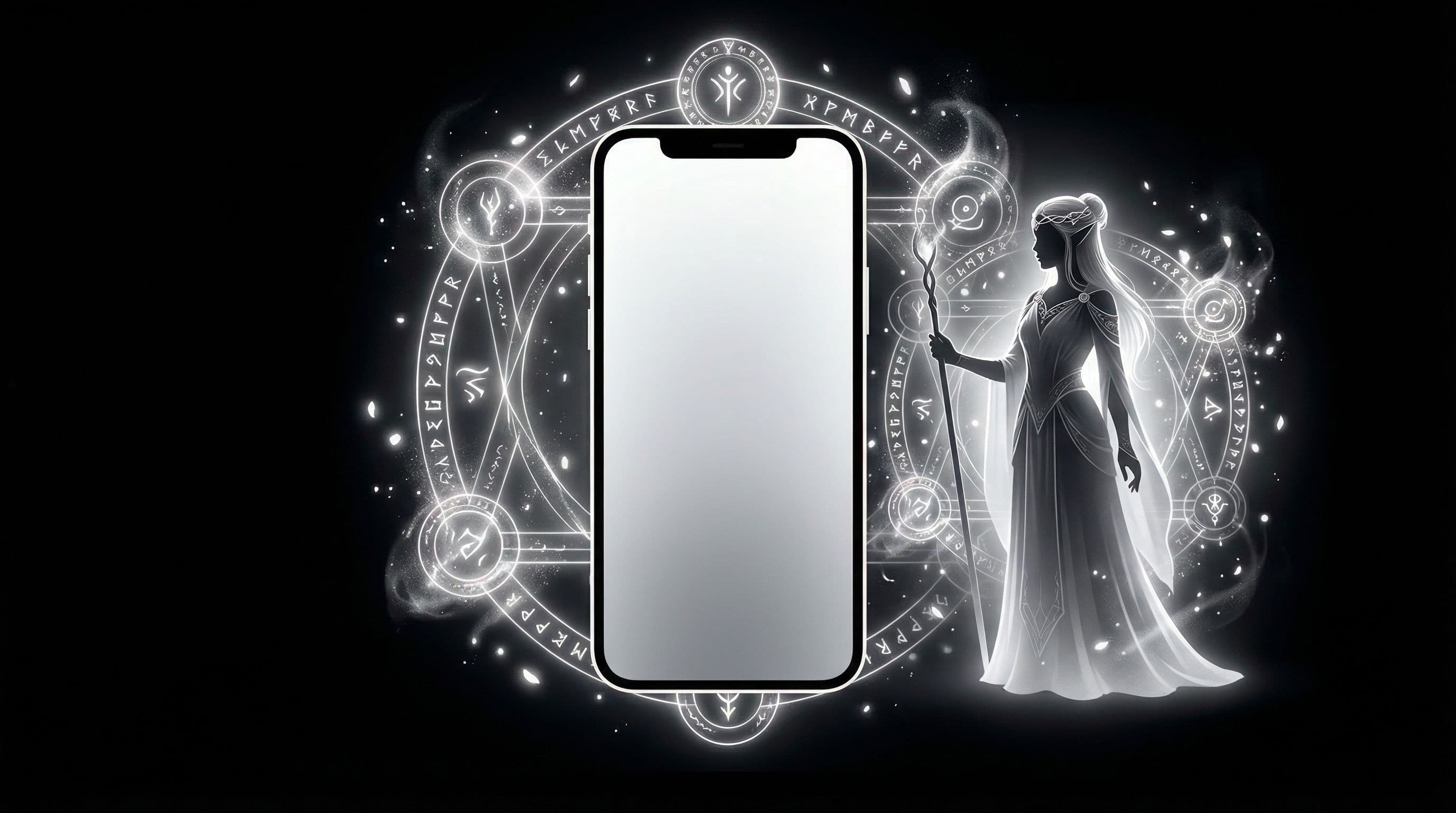
Why Frieren Wallpapers for Phone Feel Different on Daily Use
Most anime wallpapers try to grab your attention with intense action scenes and bold color explosions. Frieren wallpapers do the exact opposite — and that is why they work so well for daily phone use. The show's distinctive visual identity revolves around quiet moments, soft lighting, and spaces that feel lived-in rather than staged.
When you set a Frieren wallpaper on your phone, something subtle happens. Every time you unlock your screen, instead of a visual assault, you get a moment of calm. That adds up over a hundred-plus screen unlocks per day. Your phone stops feeling like a demand for attention and starts feeling like a gentle companion, which is honestly what Frieren as a character represents.
The practical benefit is just as real. Frieren scenes typically use muted color palettes with one or two warm accent tones, which means your app icons, widget text, and notification banners remain effortlessly readable. You get personality and usability without any compromise.
Best Frieren Wallpapers for Phone: Scene Types to Prioritize
Not every Frieren scene translates well to a phone screen. The ones that work best fall into three categories. First: landscape-walk scenes where the party is traveling through fields, mountains, or forests. These give you a natural gradient from sky to ground with the characters small enough that they do not compete with your UI elements.
Second: twilight magic scenes where Frieren is casting spells with soft particle effects. The magical glow creates visual interest without sharp contrast spikes, and the surrounding darkness gives your clock and icons clean space to breathe. Third: character close-ups with soft-focus backgrounds, especially Frieren gazing into the distance. These work because the background naturally blurs into a calm gradient.
Avoid scenes that look great as wallpaper previews but fail in practice: group shots with all four party members (too busy for icons), action-heavy battle frames (contrast too unpredictable), and poster art with Japanese text overlays (competes directly with your lock screen clock and notifications).
Pro Tip: Frieren sunset and golden-hour scenes pair beautifully with warm-toned icon packs on Android. Try Icons8 Line or Whicons for a cohesive look that matches the show's visual warmth.
5 Practical Wallpaper Examples You Can Copy
Example 1: "Golden Dusk Frieren" — Frieren sitting on a grassy hill during golden hour, sky transitioning from warm amber to deepening blue. Perfect for daytime use because the warm tones reduce eye strain in bright environments. Use on home screen with a transparent weather widget in the sky area.
Example 2: "Night Magic Frieren" — Frieren casting a spell under a star-filled black sky, small particles of light floating upward. The predominantly dark background makes it ideal for AMOLED screens and dark mode setups. Excellent as a lock screen where the spell glow sits below the clock.
Example 3: "Minimal Portrait Frieren" — A close-up of Frieren's side profile with her hair flowing, set against a simple gradient background. This is the safest choice for icon-heavy home screens because there is virtually no competing detail. Example 4: "Journey Path" — the party walking away on a forest road. Example 5: "Rain Window" — Frieren watching rain from a tavern, muted blues and warm interior light.
Step-by-Step Setup for Android and iPhone
On Android: Step 1: Download your chosen wallpaper at minimum 1440x3200. Step 2: Go to Settings → Wallpaper and style → Change wallpaper. Step 3: Select the image and adjust the crop. Pay attention to where the search bar sits if you use one — many wallpapers look perfect until you realize the search bar covers the character's face.
On iPhone (iOS 18): Step 1: Long-press the lock screen → Customize. Step 2: Choose Photos and select your Frieren wallpaper. Step 3: Check clock contrast carefully — iPhone's larger lock screen clock can clash with bright sky areas in landscape scenes. Step 4: Tap Customize Home Screen to set a blurred or separate variant for the home screen.
Cross-platform tip: Always test your wallpaper at both low and high brightness before committing. Frieren scenes with lots of soft purple or blue magic can look gorgeous indoors but completely wash out in direct sunlight. If you are frequently outdoors, lean toward higher-contrast scenes or sunset compositions that hold up better in bright ambient light.
Pro Tip: On iPhone, if the depth effect works with your Frieren wallpaper, the character will layer in front of the clock for a beautiful parallax look. This works best with solo Frieren portraits that have clear head-and-shoulder separation from the background.
Download Free Frieren Wallpapers at DreamPixel
Building a Frieren mood pack is simple with DreamPixel. Create three mini collections organized by energy: "Calm Day" for soft golden-hour scenes, "Cinematic Dusk" for dramatic twilight compositions, and "Deep Night" for dark starlit magic backgrounds. Having these three moods ready means you always have a wallpaper that matches how you are feeling.
Switch between packs every few days or sync them to your routine — bright warm scenes for your productive mornings, cinematic dusk for evening wind-down, and deep night for late-hour use. It sounds small, but your phone reflecting your actual mood creates a surprisingly personal experience.
Frieren wallpapers are some of the most universally usable anime backgrounds available right now. They bridge the gap between people who want anime personality and people who want a clean, calm phone setup. You genuinely do not have to choose between the two.
How to Keep Frieren Wallpapers Soft but Readable
Frieren's soft fantasy art style creates a specific readability challenge: the pastel skies, gentle watercolor textures, and light magic effects can make white icon labels virtually invisible on home screens. The solution is a two-version approach for every wallpaper you love.
Lock screen version: keep the artwork clean and unmodified — this is where the full beauty of the soft fantasy palette shines without any overlay interference. Home screen version: add a subtle dark gradient overlay (10-15 percent opacity black, concentrated in the center icon zone) using any photo editor. This darkens the area behind icons just enough for readability without visibly changing the artwork's character. If you are using DreamPixel, save both versions as a labeled pair so switching remains instant.
Real Scene Types That Work Best on Phones
Not all beautiful Frieren scenes translate well to phone wallpapers. The vertical 9:20 phone ratio strongly favors certain compositions. Winners: twilight meadow scenes with vertical sky composition, moonlit magic frames with the character in the lower third, and side-profile portrait scenes where Frieren's staff and hair create natural vertical lines. These all align naturally with the tall, narrow phone format.
Losers: wide panoramic adventure scenes that show the full party crossing a landscape — these lose their key details when cropped to phone ratio and the characters become tiny. Also avoid heavy horizontal action scenes where movement goes left-to-right — the phone ratio cuts off the motion and the composition feels incomplete. Favor vertical compositions where the subject sits slightly below center with atmospheric sky above for icons and clock.
Cross-Platform Tips for Android and iPhone
The same Frieren wallpaper can look noticeably different on Android and iPhone, so platform-specific adjustments matter. On iPhone, verify the clock area first — iOS 18's larger lock screen fonts can clash with bright fantasy skies, making the time hard to read. Position the darkest part of the sky gradient behind the clock, or choose wallpapers with naturally darker upper zones.
On Android, your main concerns are widget transparency and icon badge contrast. Translucent widgets can look beautiful over Frieren's soft landscapes, but test that the widget text remains readable. Also check that red notification badges are visible against any warm tones in the wallpaper. Keep separate saved variants when your Android and iPhone setups need different crops or brightness adjustments — one-size wallpapers CAN work, but per-platform tweaks look noticeably better.
Related Articles
Best Jujutsu Kaisen Wallpapers 2026 — Gojo, Sukuna & Yuji Itadori
Find the best Jujutsu Kaisen wallpapers 2026 with Gojo, Sukuna, and Yuji styles that look sharp on lock screen and home screen setups.
Best Solo Leveling (Sung Jin-woo) Wallpapers for Phone — 4K AMOLED
Build a dark premium phone aesthetic with Solo Leveling wallpapers 4K AMOLED featuring Sung Jin-woo shadow army scenes and high-contrast edits.
Best Demon Slayer Wallpapers 2026 — Tanjiro, Nezuko & Dark AMOLED
Discover Demon Slayer wallpapers 2026 with Tanjiro and Nezuko picks designed for dark AMOLED setups and cleaner icon visibility.
FAQ
Do Frieren wallpapers work better with light or dark mode?
Both work, but the choice depends on the scene. Golden-hour and landscape scenes pair naturally with light mode because the warm tones complement white UI elements. Night magic and starlit scenes look dramatically better in dark mode where the contrast between the spell glow and black UI creates visual depth. Try matching your mode to your wallpaper mood for the cleanest result.
Should I use the same image for lock and home screen?
Using two variants of the same scene is the ideal approach. Keep the full drama on your lock screen where fewer UI elements compete for space, and use a blurred, cropped, or darkened version of the same image on your home screen for icon readability. On iPhone, the built-in blur option during home screen customization makes this easy.
What is the best image format for phone wallpapers?
High-quality JPG or WebP files with minimal compression work best for phone wallpapers. PNG is fine too but results in larger file sizes without much visible quality improvement on phone screens. The important thing is to avoid heavily compressed images — if you see blocky artifacts in gradient areas (like skies), the source is too compressed.
How many Frieren wallpapers should I keep saved?
Keep 6 to 9 across your three mood categories (warm day, cinematic, dark night). That gives you two to three options per mood, which is enough variety without overwhelming your choices. Delete anything that fails the readability test instead of keeping it "just in case" — visual clutter in your library leads to decision fatigue.
Can Frieren wallpapers work for non-anime fans?
Absolutely. Many Frieren scenes look like beautiful landscape paintings or fantasy art rather than typical anime. The color palettes are sophisticated and the composition is often closer to Studio Ghibli film stills than battle shonen imagery. Non-anime fans frequently love these wallpapers without even knowing the source material.
Download free wallpapers at DreamPixel
Back to all articles