Y2K Retro Aesthetic Wallpapers — Nostalgic Phone Backgrounds 2026
Create nostalgic Y2K phone setups with chrome gradients, retro glow, and clean composition that still supports modern icon readability.

Founder & Lead Designer at DreamPixel Studio
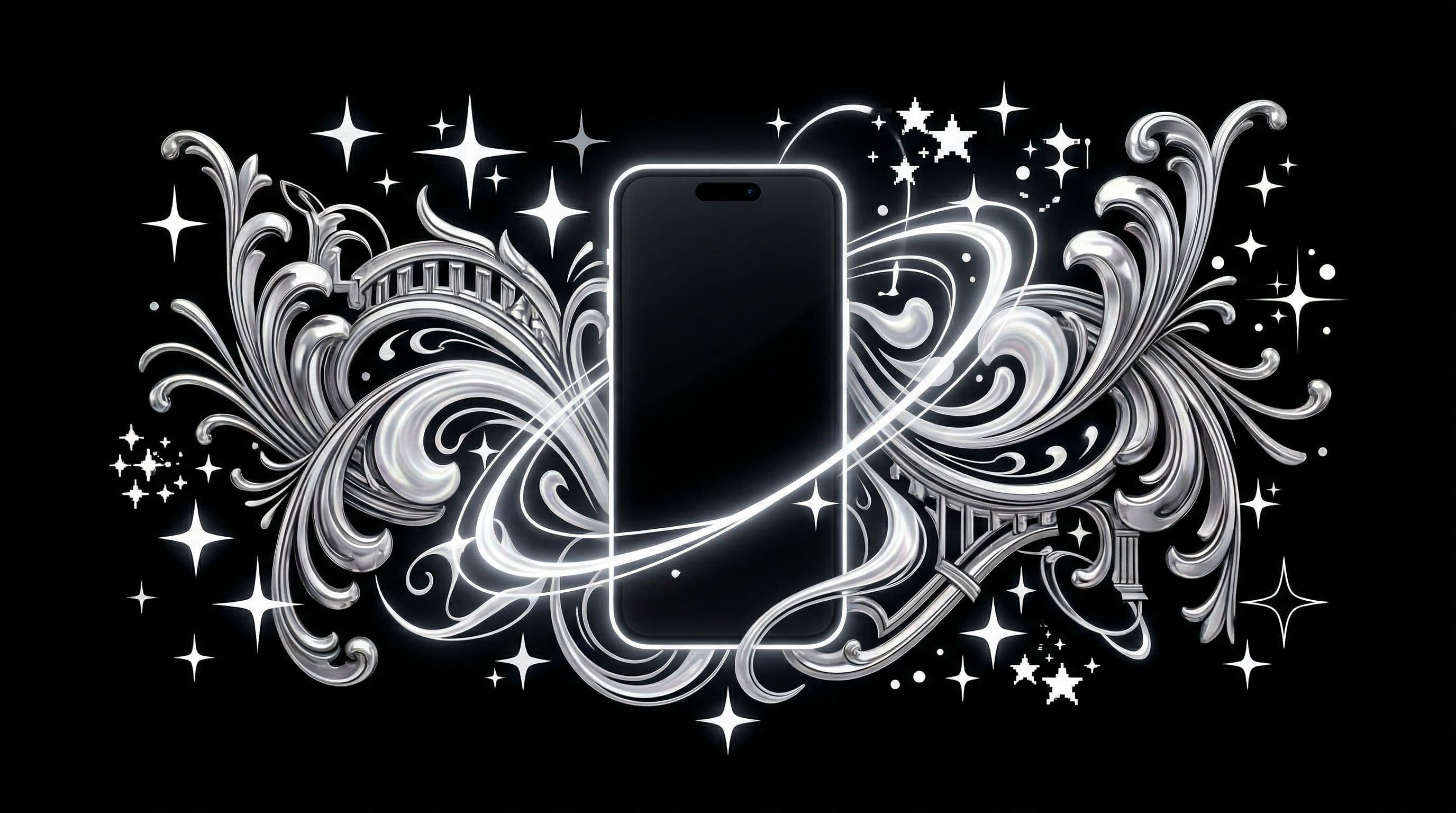
Why Y2K Retro Aesthetic Wallpapers Work in 2026
Y2K retro aesthetic wallpapers tap into millennial nostalgia while feeling surprisingly fresh in 2026. The original Y2K visual language — chrome textures, iridescent surfaces, bubble forms, translucent shapes, and dreamy pastel-neon gradients — has been rediscovered and refined by a new generation that finds the era's techno-optimism genuinely charming rather than dated.
On phones, Y2K wallpapers stand out because they bridge the gap between playful and sophisticated. A chrome gradient wallpaper looks both nostalgic and futuristic simultaneously. Translucent bubble forms create depth and interest without the visual weight of detailed illustrations. The style gives your phone personality without requiring dark or intense color schemes.
The practical advantage: Y2K wallpapers use soft, diffused lighting and smooth gradients that are inherently icon-friendly. Chrome reflections and holographic surfaces create visual interest through texture rather than sharp detail — making them some of the most usable aesthetics for daily phone backgrounds.
Core Visual Ingredients for Strong Y2K Output
Ingredient 1: Chrome Reflections — the signature Y2K texture. Chrome gives metallic depth without being dark. For AI prompts, specify "soft chrome reflection, molten silver surface, gentle light distortion, no sharp reflections." Hard chrome looks industrial; soft chrome looks Y2K.
Ingredient 2: Translucent Shapes — bubbles, spheres, ribbons, and organic blob forms with transparency. These create depth layers without solid visual mass. Specify "translucent, soft refraction, pastel light passing through" for authentic Y2K transparency.
Ingredient 3: Pastel-Neon Blends — not pure pastels and not pure neons, but the dreamy middle ground. Think lavender bleeding into soft pink, or mint fading into silver. Ingredient 4: Low-Noise Gradients — smooth, clean transitions between colors. Y2K is about clean digital surfaces, not rough textures. Keep one central focal element and plenty of calm gradient space around icon rows.
Five Y2K Concepts You Can Build Today
Concept 1: "Chrome Bubble Skyline" — floating chrome spheres of various sizes against a pastel gradient sky, light refractions creating rainbow accents, vast clean space between spheres for icons. Concept 2: "Pink Holographic Grid" — perspective grid vanishing into the distance with holographic iridescent surface, soft pink and silver tones, clean geometric structure creating natural icon zones.
Concept 3: "Retro Flip Phone Glow" — centered vintage flip phone as subject (small, lower frame), emitting soft colorful light rays upward, creating smooth gradient sky above for icons. Concept 4: "Digital Jelly Gradient" — abstract blob shapes in translucent pastel colors floating in a smooth gradient space, soft shadow depth, dreamy atmospheric quality. Concept 5: "Silver Star Particle Field" — tiny silver and iridescent particles floating in a clean pastel void, creating sparkle without clutter, maximum icon-safe space.
Each concept uses Y2K visual elements as controlled accent features rather than filling the entire frame. This restraint is what separates premium Y2K wallpapers from chaotic retro collages.
Step-by-Step Nostalgic Setup Workflow
Step 1: Generate 8-10 Y2K variants from one concept. Step 2: Remove any output that is over-bright or over-saturated — Y2K pastels should feel dreamy, not aggressive. Step 3: Create lock and home pairs from your strongest images. Lock screens can handle more chrome detail; home screens need calmer gradients.
Step 4: Check icon labels AND widgets on both light mode and dark mode. Y2K wallpapers with silver and pastel tones can make light-mode interface elements disappear. Step 5: Keep top three pairs and archive the rest. Rotate one pair every 3 days for dynamic but coherent style shifts.
Step 6: Grain effects deserve special attention. A mild film grain overlay can add authentic retro texture to lock screens. However, heavy grain on home screens reduces icon clarity and creates a "muddy" feeling. Use grain only on lock screen variants, and keep it subtle.
Pro Tip: Use a mild film grain layer ONLY on lock screens. Heavy grain often reduces icon clarity on home screens and creates a muddy, low-quality appearance instead of the desired retro charm. Lock screens can handle more texture because they display minimal interface elements.
Curate a Retro Pack with DreamPixel
Create a Y2K folder in DreamPixel and sort by color family: chrome pink (warm nostalgic), chrome blue (cool futuristic), and neutral silver (versatile). This three-category system means you always have a Y2K wallpaper that matches your mood without browsing through dozens of unsorted images.
Keep your active Y2K collection between 5-8 wallpapers. Y2K aesthetics have moderate visual intensity — enough personality to keep things interesting, but not so intense that they cause rapid fatigue. Monthly cleanup: remove anything that no longer sparks that nostalgic joy when you see it.
Balancing Gloss and Clarity in Y2K Designs
Y2K aesthetics thrive on glossy reflections, chrome surfaces, and iridescent shimmer — but these elements can destroy icon visibility when they cover the functional areas of your phone screen. The fix: restrict gloss effects to FOCAL objects (a chrome heart, a glossy sphere, an iridescent butterfly) and keep the surrounding space smoother with cleaner gradients.
Think of it as a spotlight approach: the Y2K energy comes from one or two intense glossy elements surrounded by calmer space, not from making the entire frame equally shiny. This selective application keeps the Y2K energy unmistakable while maintaining the clean contrast your icons need. Blend playful nostalgia with controlled modern composition — the aesthetic feels retro, but the readability feels current.
Y2K Theme Packs You Can Rotate Weekly
Create three micro-packs with distinct Y2K sub-aesthetics. Pack 1: "Chrome Minimal" — silver and chrome objects, reflective surfaces, metallic gradients, clean geometric shapes. Feels futuristic and sleek. Pack 2: "Holographic Pastel" — iridescent surfaces, rainbow refractions, pastel-chrome blends, dreamy sparkle. Feels magical and feminine. Pack 3: "Retro Digital Grid" — wireframe landscapes, retro computer interfaces, pixel art elements, green-on-black matrix vibes. Feels techy and nostalgic.
Rotate one pack per week so your aesthetic evolves without feeling random. At the end of each weekly cycle, archive any wallpaper that caused readability issues or felt less exciting after 48 hours of actual use. This continuous pruning ensures each pack gets stronger over time — you keep only the winners.
Related Articles
Best Jujutsu Kaisen Wallpapers 2026 — Gojo, Sukuna & Yuji Itadori
Find the best Jujutsu Kaisen wallpapers 2026 with Gojo, Sukuna, and Yuji styles that look sharp on lock screen and home screen setups.
Best Solo Leveling (Sung Jin-woo) Wallpapers for Phone — 4K AMOLED
Build a dark premium phone aesthetic with Solo Leveling wallpapers 4K AMOLED featuring Sung Jin-woo shadow army scenes and high-contrast edits.
Best Frieren: Beyond Journey's End Wallpapers for Android & iPhone
Choose calm, magical Frieren wallpapers that fit Android and iPhone screens while keeping lock screen text readable and beautiful.
FAQ
What defines Y2K wallpaper style?
Chrome textures, glossy and translucent shapes, holographic iridescence, nostalgic pastel-neon gradients (pink, cyan, silver, lavender), and playful futuristic motifs. Think early 2000s techno-optimism — the world imagined a clean, shiny, colorful digital future, and that visual language is what Y2K captures.
Can Y2K wallpapers remain icon-friendly?
Yes, they are actually one of the most icon-friendly aesthetics. Y2K relies on smooth gradients and soft textures rather than sharp detail, which naturally creates icon-safe zones. Just control highlight intensity to prevent light-mode elements from disappearing against bright chrome surfaces.
Which colors work best for retro vibes?
Pink, cyan, silver, lavender, and holographic rainbow gradients. The colors should feel like they are lit by diffused, dreamy light — never harsh or fully saturated. Mint green and soft gold also work well as secondary accent tones.
Should I use grain effects on Y2K wallpapers?
Use light grain carefully and only on lock screens. Heavy grain often hurts readability on home screens and can make the wallpaper look low-quality rather than vintage. Digital Y2K can be smooth and clean — the retro charm comes from the chrome textures and color palette, not from noise.
How many Y2K wallpapers should stay in active rotation?
Keep 5-8 active options sorted by color family (chrome pink, chrome blue, neutral silver). Rotate every 3 days for consistent variety. This gives you roughly two to three weeks before repeating any wallpaper.
Download free wallpapers at DreamPixel
Back to all articles