Fairycore Wallpapers for Phone — Magical, Dreamy & Ethereal Backgrounds
Create a magical dreamy setup with fairycore wallpapers for phone using ethereal lighting, pastel glow, and icon-safe composition techniques.

Founder & Lead Designer at DreamPixel Studio
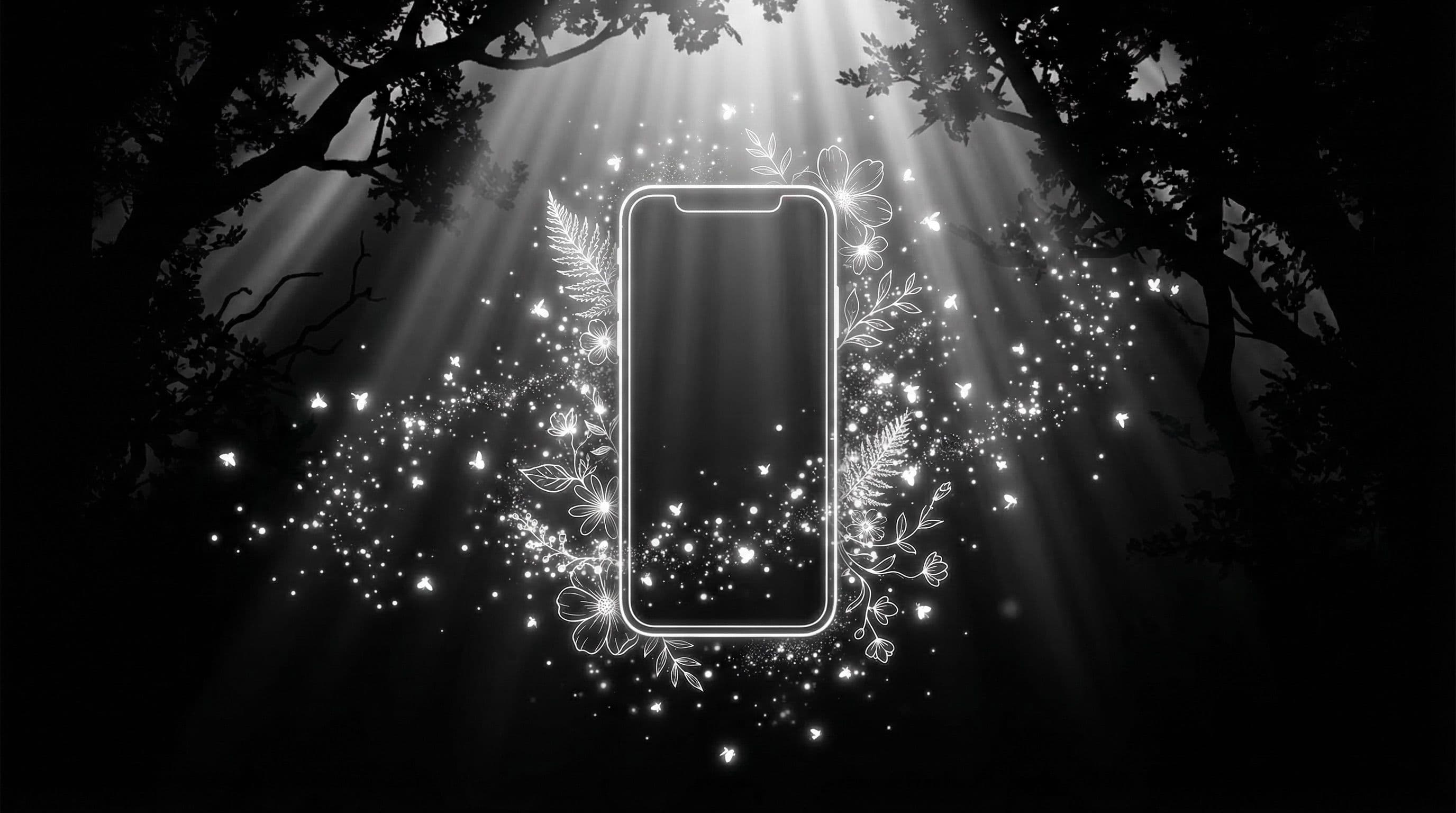
Why Fairycore Wallpapers for Phone Feel So Immersive
Fairycore wallpapers for phone create a world on your screen — misty forest clearings, bioluminescent flowers, moonlit ponds with floating petals, and soft magical glow that makes your phone feel like a portal to another realm. Unlike dark or bold aesthetics that rely on contrast and intensity, fairycore achieves its impact through softness and atmosphere.
What makes this aesthetic uniquely effective on phones is the dreamlike quality. Fairycore wallpapers use misted depth layers, gentle bokeh, and luminous highlights that naturally create visual zones — busy magical detail in one area, soft atmospheric blur in another. This natural separation means you get enchanting imagery that does not fight with your app icons.
The style resonates with anyone who wants their phone to feel expressive and whimsical without being chaotic. Every unlock feels like a breath of fresh air rather than an information assault.
Color and Lighting Rules for Ethereal Backgrounds
The fairycore palette is built on three tonal families: lavender-to-violet (mystical, twilight atmosphere), moonlight blue-to-silver (cool ethereal glow), and muted pink-to-rose (warm romantic magic). Each family creates a different mood, but all share one crucial quality: softness. No harsh edges, no high-contrast transitions, no pure white or pure black.
Lighting is the most important element. Use "soft bloom," "gentle glow," "misty radiance," or "bioluminescent light" in your prompts. The key distinction: glow should guide mood, not overpower usability. Fairy light should illuminate subjects softly, not create blinding white zones that wash out app labels.
Critical mistake to avoid: overexposed glow. Many AI-generated fairycore images have enormous bright bloom areas that make icon labels completely invisible. Add "controlled bloom, no overexposed highlights, balanced brightness" to prevent this. The warmth of whites matters too — slightly warm whites (cream or ivory tinted) feel magical, while pure cool whites feel sterile and clinical.
Pro Tip: Add "misty depth layers, three atmospheric planes" to your prompts. This creates a cinematic fairycore look with foreground detail fading into misted middle ground and soft background — automatically generating icon-safe zones without explicitly requesting them.
Five Fairycore Wallpaper Concept Blueprints
Concept 1: "Moonlit Wildflower Path" — a winding path through luminous wildflowers with soft moonlight filtering through ancient trees, path vanishing into gentle mist, bioluminescent accents along path edges. Concept 2: "Crystal Pond Glow" — still water reflecting a twilight sky with floating flower petals, single crystal formation catching light, deep calm reflections in the center zone.
Concept 3: "Forest Lantern Mist" — tiny fairy lanterns hung from moss-covered branches, warm amber light creating pools of glow in a misty forest, soft depth layers creating atmospheric separation. Concept 4: "Butterfly Twilight Field" — luminous butterflies in a lavender meadow at dusk, soft particle effects suggesting magic, vast calm sky above for icons. Concept 5: "Ancient Tree Aura" — massive tree trunk with embedded crystals or glowing moss, roots creating natural frame elements, atmospheric golden-hour light through canopy.
Each concept includes natural composition zones — foreground magic detail, calm middle ground for icons, and atmospheric sky or canopy for status bar. Generate each as lock and home pair for daily flexibility.
Step-by-Step Setup Workflow
Step 1: Pick one concept and generate 8-10 variants using your preferred AI tool. Step 2: Immediately delete any image with overexposed bloom zones — these are unfixable for phone use. Step 3: From your remaining images, shortlist the 4 with the best balance of magical atmosphere and icon-safe zones.
Step 4: Create home-screen variants by slightly darkening the center zone where icons sit (add 10-15 percent opacity dark gradient in a photo editor). Step 5: Test every finalist on your actual phone at three brightness levels — indoor dim, indoor bright, and outdoor. Step 6: Keep only the two best pairs (one lock, one home each) and save them in your DreamPixel fairycore folder.
Repeat this process every two weeks with a different concept. After five sessions, you have 10 matched pairs covering every ethereal mood.
Build a Dreamy Rotation with DreamPixel
Create a fairycore folder in DreamPixel and rotate one pair every three days. Because fairycore wallpapers share soft atmospheric qualities, rotating between different concepts (forest, crystal, meadow) creates delightful variety while maintaining cohesive dreaminess.
Pin your absolute favorite pair for quick access on stressful days when you want maximum comfort from your phone aesthetic. Delete any variant that creates even mild readability friction during real use — fairycore should feel effortlessly magical, never frustrating.
Layering Depth for Ethereal Fairycore Scenes
The most immersive fairycore wallpapers use three distinct depth layers that create a sense of being inside a magical scene rather than looking at a flat image. Foreground: subtle glow accents — tiny sparkles, floating pollen, soft bokeh orbs that feel close to you. Midground: the main subject — a fairy figure, enchanted flower, or magical gateway at readable scale. Background: soft atmospheric haze — dreamy forest blur, distant light filtering through canopy, or misty sky.
This layering creates visual depth that makes your lock screen feel like a window into another world. For HOME screens specifically, keep midground contrast moderate and avoid intense foreground sparkles in the icon zone — the sparkles look magical but can compete with app labels for visual attention. Depth layering improves the magic while preserving daily functionality.
Color Temperature Tweaks for Night Readability
Fairycore wallpapers often feature warm golden highlights (firefly glow, sunlit glades, amber light) that look beautiful during daytime but can overpower text readability in dark environments when your screen brightness is low. Fix: slightly cool down the warmest highlights for night variants — shift golden glow toward pale champagne, amber toward soft peach.
This subtle temperature shift reduces luminance contrast at low brightness without killing the dreamy warmth. Maintain balanced luminance between the top zone (where clock and widgets sit) and the center zone (where icons sit) — if one zone is dramatically brighter than the other, your eyes constantly readjust and the experience feels uncomfortable rather than enchanting.
Related Articles
Best Jujutsu Kaisen Wallpapers 2026 — Gojo, Sukuna & Yuji Itadori
Find the best Jujutsu Kaisen wallpapers 2026 with Gojo, Sukuna, and Yuji styles that look sharp on lock screen and home screen setups.
Best Solo Leveling (Sung Jin-woo) Wallpapers for Phone — 4K AMOLED
Build a dark premium phone aesthetic with Solo Leveling wallpapers 4K AMOLED featuring Sung Jin-woo shadow army scenes and high-contrast edits.
Best Frieren: Beyond Journey's End Wallpapers for Android & iPhone
Choose calm, magical Frieren wallpapers that fit Android and iPhone screens while keeping lock screen text readable and beautiful.
FAQ
What defines fairycore wallpaper style?
Soft magical lighting (bioluminescence, moonlight, fairy glow), floral and nature motifs (wildflowers, mushrooms, crystals, ancient trees), misty atmospheric depth, and dreamy pastel or moonlit color palettes. The aesthetic should feel enchanted and whimsical — never harsh, never cluttered.
Can fairycore wallpapers stay readable behind icons?
Yes, when you control bloom and overexposure. The natural depth layers in fairycore compositions create built-in calm zones for icons. Add "no overexposed highlights, controlled bloom" to prompts and darken the center zone 10-15 percent for home screen use.
Which colors work best for fairycore phone wallpapers?
Lavender, dusty pink, silver-blue, muted green, warm ivory, and soft amber. Avoid pure white or neon colors. Every fairycore color should feel like it exists in twilight or moonlight — muted, warm, and atmospheric.
Should I use one wallpaper for both lock and home?
Use paired variants from the same concept. Lock screen keeps the full magical intensity with vibrant glow and detail. Home screen gets a slightly calmer version with darkened icon zones. Same world, different intensity levels.
How often should I rotate fairycore sets?
Every 3-5 days keeps the dreamy atmosphere fresh without losing the whimsical identity. Fairycore wallpapers tend to have good longevity because their softness does not cause visual fatigue quickly.
Download free wallpapers at DreamPixel
Back to all articles