Best Studio Ghibli Wallpapers — Spirited Away, Howl's Moving Castle, Totoro
Pick dreamy Studio Ghibli wallpapers with Spirited Away, Howl, and Totoro scenes that feel artistic while staying practical for daily phone use.

Founder & Lead Designer at DreamPixel Studio
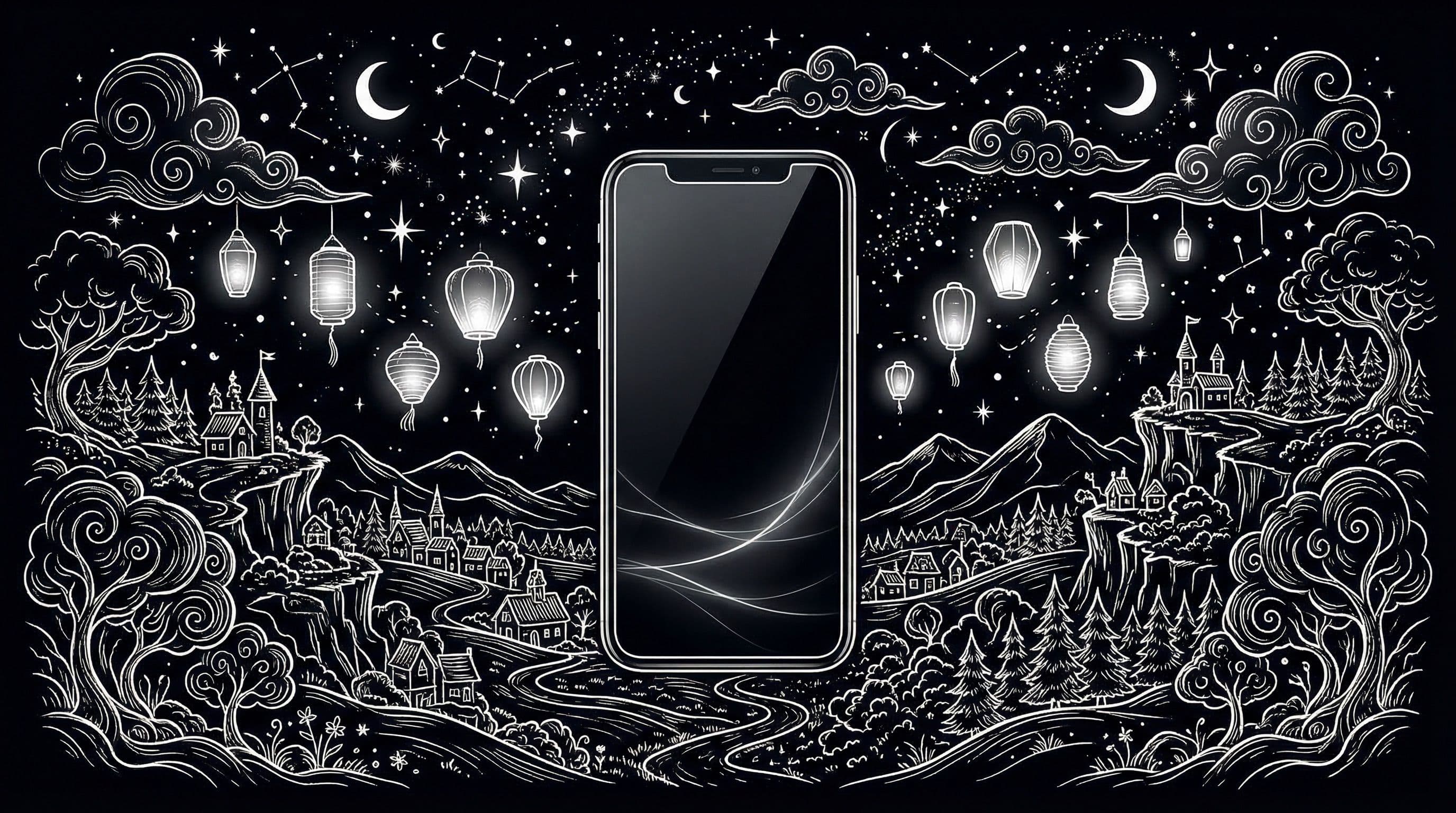
Why Studio Ghibli Wallpapers Stay Timeless
Most anime wallpapers look dated within a year. Studio Ghibli wallpapers are the exception — a Spirited Away scene from 2001 looks just as beautiful on your phone in 2026 as it did when the film released. That is because Ghibli's visual power comes from color storytelling and composition, not from trendy effects that age quickly.
There is also a mood advantage. Ghibli scenes feel warm, lived-in, and emotionally grounded. Your phone becomes something that gives you a moment of peace instead of another source of visual noise. For people who check their phones 100+ times daily, that shift in feeling is significant.
From a usability standpoint, Ghibli art uses soft gradients, natural lighting, and uncluttered compositions. These qualities make your widgets, clock, and app icons sit naturally within the scene rather than fighting against it.
Best Spirited Away Wallpapers for Daily Use
Spirited Away offers some of the most phone-ready scenes in all of Ghibli's filmography. The night train sequence — Chihiro and No-Face sitting in a dimly lit train car over dark water — is practically designed for lock screens. The wide dark water creates negative space for your clock, while the warm interior lighting draws your eye without blinding you.
Other standout scenes: the lantern-lit bathhouse exterior (warm oranges fading into dark sky, perfect for AMOLED), the tunnel entrance with dual-tone lighting, and the flower field with Haku. Each has natural composition that places the subject clearly while keeping the rest calm.
Avoid busy scenes like the interior bathhouse worker crowd or the food stall transformation sequence. They look amazing as film stills but turn into visual chaos once you overlay icons and notification badges.
Pro Tip: The Spirited Away night train scene is one of the most universally readable anime wallpapers ever made. If you are unsure where to start with Ghibli wallpapers, this is the safest first pick for both lock and home screen.
Howl's Moving Castle and Totoro Setup Ideas
Howl's Moving Castle gives you some of the best sky gradients in anime — the golden-hour cloud scenes with the castle silhouette are natural wallpaper material. These wide, airy compositions leave generous negative space for widgets and look incredible with minimal or outline icon packs on Android.
Totoro scenes lean into earth tones and forest greens, making them ideal for calm home screen themes. The bus stop rain scene, Totoro sleeping under trees, and the flying sequence all crop well for vertical phone screens. The forest palette works especially well during daytime use because the colors do not fight ambient light.
A powerful combination: use a dusk-tone Howl's Moving Castle scene for your lock screen paired with a calm Totoro forest scene for your home screen. The contrast in mood creates a satisfying visual journey every time you unlock your phone.
Real Examples + Quick Setup Workflow
Three Ghibli theme packs to try: "Spirited Night" — the train scene and bathhouse exterior, warm-toned against dark backgrounds. "Howl Sky Blue" — cloud-level scenes with the castle, lock screen with a blurred sky variant for home. "Totoro Forest Calm" — forest canopy and meadow scenes, perfect for icon-dense home screens.
Workflow: Step 1: pick one pack. Step 2: test lock screen at low and high brightness. Step 3: apply home variant and check icon readability across all your pages. Step 4: if one page has issues, reposition widgets before abandoning the wallpaper.
Step 5: save your final pair and live with it for a full week before changing. Ghibli wallpapers grow on you — scenes that feel "too simple" on day one often end up being the ones you love most after a week of daily use.
Download Free Studio Ghibli Wallpapers at DreamPixel
DreamPixel lets you curate a Ghibli folder organized by mood — calm, cinematic, and magical. Monday you might want gentle Totoro energy, Wednesday calls for Howl's dramatic skies, and Friday evening deserves the Spirited Away night atmosphere.
Ghibli wallpapers work for literally everyone on your phone. Non-anime fans see beautiful landscape art. Ghibli fans see beloved scenes. Either way, your phone looks premium and personal.
How to Match Studio Ghibli Wallpapers with Icon Packs
Ghibli wallpapers have a distinctive soft, watercolor-like quality that can be instantly ruined by the wrong icon pack. Use rounded or outline icon packs with gentle colors — these complement the organic, hand-painted feel of Ghibli art. Icon packs with soft white, cream, or muted pastel colors work beautifully.
What absolutely clashes: heavy neon icon packs, sharp geometric icons, or glossy 3D-styled icons. These create a jarring visual contrast against the delicate brushwork of Ghibli scenes. Also avoid icon packs with thick black outlines on bright Ghibli SKY scenes — the combination looks harsh. Stick to one icon style for at least a full week before changing so the aesthetic has time to "settle" and feel cohesive.
Best Time-of-Day Pairing Strategy
Ghibli wallpapers respond beautifully to time-of-day pairing because the films themselves use lighting so expressively. During daytime (6 AM to 6 PM): use bright Totoro forest scenes, blue-sky Kiki delivery scenes, or sunlit meadows from Howl's Moving Castle. These warm, bright compositions align with natural daylight and feel energizing.
During evening and night (6 PM to 6 AM): switch to Spirited Away night scenes with lantern glow, twilight forest scenes from Princess Mononoke, or starlit sky scenes from any Ghibli film. These darker compositions reduce eye strain, align with your phone's night mode, and create a calming evening atmosphere. If your phone or launcher supports automated wallpaper switching by time, this setup runs itself — just curate the two folders.
Examples of Mini Ghibli Collections
Build three focused mini-collections instead of one massive Ghibli folder. Collection 1: "Forest Calm" — Totoro-focused green palettes, mushroom-sitting scenes, forest tunnel walks, and rainy bus stop moments. All greens, warm earth tones, and gentle rain. Collection 2: "Magic Night" — No-Face and lantern scenes, spirit bathhouse glow, twilight river crossings, and supernatural encounters with warm amber and mysterious blue.
Collection 3: "Sky Journey" — Howl-inspired cloud gradients, Nausicaä flying scenes, Laputa floating castle approaches, and vast atmospheric cloudscapes. These naturally have calm centers and dramatic skies, making them ideal for home screens. Keep each collection under 5 images for fast selection — a smaller, curated set beats a massive, unfocused library every time.
Related Articles
Best Jujutsu Kaisen Wallpapers 2026 — Gojo, Sukuna & Yuji Itadori
Find the best Jujutsu Kaisen wallpapers 2026 with Gojo, Sukuna, and Yuji styles that look sharp on lock screen and home screen setups.
Best Solo Leveling (Sung Jin-woo) Wallpapers for Phone — 4K AMOLED
Build a dark premium phone aesthetic with Solo Leveling wallpapers 4K AMOLED featuring Sung Jin-woo shadow army scenes and high-contrast edits.
Best Frieren: Beyond Journey's End Wallpapers for Android & iPhone
Choose calm, magical Frieren wallpapers that fit Android and iPhone screens while keeping lock screen text readable and beautiful.
FAQ
Are Studio Ghibli wallpapers better for lock or home screen?
Cinematic scenes with dramatic lighting (Spirited Away night train, Howl sunset) work best on lock screens where fewer UI elements compete. Calmer nature scenes (Totoro forest, flower fields) are better for home screens where icon readability is critical. Use one of each for the best setup.
What colors are easiest to pair with app icons?
Soft blues, deep forest greens, and muted dusk gradients give the best contrast for both white and dark icon styles. Avoid very bright yellow or orange scenes for home screen because they make dark icon labels hard to read.
Should I use text-heavy Ghibli poster art as wallpaper?
No, avoid it for home screen. Japanese text overlays, credits, and title typography compete directly with your app labels, folder names, and widget text. Clean scene art always outperforms poster layouts for phone wallpaper use.
How many wallpapers should I keep in a Ghibli pack?
Start with 4 to 6 across two or three films. That gives you enough variety for two weeks of rotation without decision paralysis. You will naturally identify which 2 or 3 become your permanent favorites.
Do Ghibli wallpapers work on AMOLED screens?
Absolutely. Night scenes from Spirited Away and darker Howl's Moving Castle cloud sequences look stunning on AMOLED because they feature large true-black areas with warm accent lighting. Totoro scenes work better on any panel type since they use lighter compositions.
Download free wallpapers at DreamPixel
Back to all articles